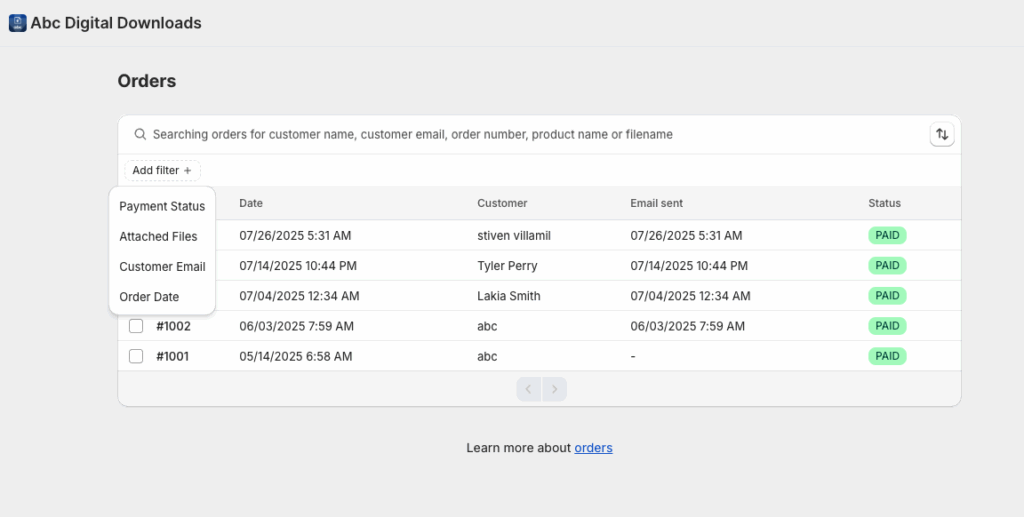
Searching Orders
ABC Digital Downloads automatically syncs orders from your Shopify store. Once an order is placed, it appears in the Orders tab where you can easily search, filter, and find specific orders.
Search Options
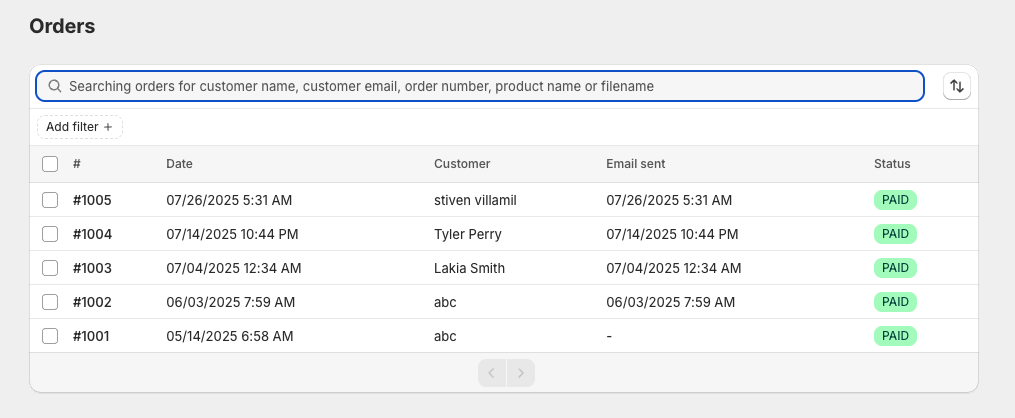
You can quickly locate orders using:
- Search Bar: Type keywords to find orders by:
- Customer name
- Customer email
- Order number
- Product name
- Filename
Using Filters
To narrow down search results, use dedicated filters available in the Orders list:
- Payment Status: Filter orders by payment status (e.g., Paid, Pending).
- Attached Files: Show orders that have files connected or missing.
- Customer Email: Search for orders by the email used during checkout.
- Order Date: Filter orders by specific date ranges.